

SEND IT


LIVE BUYS Reading the latest buys.


Buy $QUIT in 3 steps.
Have a Solana wallet? Buy in one tap.
HSHJ3t4Vu3B1qMs9Nv5iKUaoPMQQf1VuT5vVaTvLqc6pBUY ON YOUR TRADING TERMINAL
PREFERRED
VERIFIED ON CHAIN
BUILT TO LAST
105,948,500 $QUIT (11.30%) locked 1 full year until 20 Oct 2027 in 12 non-cancelable Jupiter Lock vesting contracts. 62,093,699 $QUIT (6.21%) permanently burned. 100% PumpSwap LP burned at graduation. Mint and freeze authority revoked.
-
Get the Phantom app.
Open the app and follow the setup screens.
-
Add money.
Open Phantom, tap Buy, and pay with your card or Apple Pay.
-
Buy $QUIT.
Tap your wallet. Choose how much to buy, tap BUY $QUIT, then approve in your wallet.
Only use the buttons on quityourjob.fun.
Watch the 70-second Phantom walkthrough
BOUGHT? JOIN THE WALKOUT.
Need more help?
Other ways to buy
pump.fun, website or app
pump.fun, website or app
Set up your Pump account
- Open pump.fun, or get the Pump app from its official download page.
- Select Sign in, then email, Google or Apple.
- Follow the sign-in screens to finish.
This creates a separate Pump wallet. Email and social accounts have no recovery phrase. Keep access to your sign-in account.
Fund your Pump wallet
SOL is the coin used on Solana to pay for purchases and network fees.
Pay in the Pump app
- Tap Deposit.
- Choose Apple Pay or Cash when offered.
- Follow the provider payment screens.
- Wait until the funds appear in Pump.
The app offers card funding through its payment flow. Availability depends on your location and provider. Use the SOL transfer steps if it is unavailable.
Sending from an exchange
- Website: select your balance, then Deposit. App: tap Deposit, then Receive.
- Copy the receiving address.
- In your exchange or other wallet, open SOL, then Send or Withdraw.
- Paste your Pump address. Choose Solana and enter the amount.
- Check the address and network, then confirm. Wait for SOL in Pump.
Keep 0.02 SOL aside for network fees as a starting balance. Fees vary, so check the amount shown before confirming.
Buy on the coin page
- Tap Buy on pump.fun below to open $QUIT.
- Website: select Manage, then Buy. App: tap the green buy control.
- Enter the SOL amount to spend, leaving some for fees.
- Select Buy to review the token, amount and fees.
- Approve the purchase when ready.
Opening Pump inside Phantom still uses your Pump account. Use email there, since Google sign-in is blocked inside wallet browsers.
Buy on pump.funFind your $QUIT
- Return to the Pump wallet used for the purchase.
- Check your holdings after the transaction confirms.
Coins bought with your Pump wallet stay there. They do not appear in a separate Phantom wallet.
Another wallet
Solflare, Backpack
Set up a Solana wallet
- Install a wallet with an official download button below.
- Create a wallet with a recovery phrase. Choose Solana if asked.
- Write the recovery words on paper, in order. Keep it private.
- Follow the app’s word check and passcode screens.
Already have a Solana wallet? Keep using it and open step 2. Button names vary by wallet.
Get some SOL
SOL is the coin used on Solana to pay for purchases and network fees.
Buy inside your wallet
- Open Buy in Solflare, if available.
- Select SOL and enter the amount in the provider.
- Choose an offered payment method and finish the provider checks.
- Wait for SOL in your wallet before continuing.
Card, Apple Pay and Google Pay availability varies by wallet, provider and country. For one shared route in any wallet, use the exchange steps.
Sending from an exchange
- Buy SOL at your exchange, such as Coinbase, Binance or Kraken.
- In your wallet, open Receive, choose Solana and copy the address. In Phantom, tap + first.
- In the exchange, open SOL, then Send or Withdraw.
- Paste your receiving address. Choose Solana and enter the amount.
- Check the address and network, then confirm. Wait for SOL in your wallet.
Your receiving address belongs to your wallet. It is different from the $QUIT address at the top of this section.
Keep 0.02 SOL aside for network fees as a starting balance. Fees vary, so check the amount shown before confirming.
Buy on this site
- Tap your wallet in step 3 above. On a phone, this site opens inside it.
- On a computer, use the wallet’s browser extension. Installed wallets appear on the page.
- Enter the amount to spend, leaving some SOL for fees.
- Tap BUY $QUIT. Approve the connection, then the purchase, in your wallet.
If no quote appears, use the pump.fun path here.
BUY $QUIT ON THIS SITEFind your $QUIT
- Open the wallet you bought with.
- Check the transaction status in its activity list.
- Look for $QUIT in your token balance after confirmation.
If the name is missing, use the full contract address to identify the token.
Sending from an exchange
- Buy SOL at your exchange, such as Coinbase, Binance or Kraken.
- In your wallet, open Receive, choose Solana and copy the address. In Phantom, tap + first.
- In the exchange, open SOL, then Send or Withdraw.
- Paste your receiving address. Choose Solana and enter the amount.
- Check the address and network, then confirm. Wait for SOL in your wallet.
Your receiving address belongs to your wallet. It is different from the $QUIT address at the top of this section.
Before graduation, $QUIT trades on the pump.fun bonding curve. After graduation, it trades on PumpSwap. The Pump coin page stays the way in. If no quote appears, use the Pump path.
Phantom, step by step
Your phone. Your wallet.
Get your wallet
- Install Phantom with the official download button.
- Open Phantom. Tap More Options, then Create Recovery Phrase.
- Write the recovery words on paper, in order. Keep it private.
- Tap OK, I Saved It, then follow the app’s setup screens.
Already have a wallet? Open step 2.
Get some SOL
SOL is the coin used on Solana to pay for purchases and network fees.
Card, Apple Pay or Google Pay
- In Phantom, tap +, then Add Cash.
- Enter the amount and tap Review.
- Choose a payment method and finish the provider screens.
- After Cash arrives, search for Solana. Open it and select SOL on Solana beside the ticker.
- Tap Trade, then Buy. Enter the amount, review the fees and tap Confirm.
Payment methods and providers depend on your country. The provider may ask you to verify your identity. If funding is unavailable, use the exchange steps.
Sending from an exchange
- Buy SOL at your exchange, such as Coinbase, Binance or Kraken.
- In your wallet, open Receive, choose Solana and copy the address. In Phantom, tap + first.
- In the exchange, open SOL, then Send or Withdraw.
- Paste your receiving address. Choose Solana and enter the amount.
- Check the address and network, then confirm. Wait for SOL in your wallet.
Your receiving address belongs to your wallet. It is different from the $QUIT address at the top of this section.
Keep 0.02 SOL aside for network fees as a starting balance. Fees vary, so check the amount shown before confirming.
Buy on this site
- Tap Phantom in step 3 above. On a phone, this site opens inside Phantom.
- Enter the amount to spend, leaving some SOL for fees.
- Tap BUY $QUIT. Approve the connection, then the purchase, in Phantom.
- Wait for DONE on the page.
If the page does not open in Phantom, copy the address at the top of this section into Phantom search. Open the matching token, then tap Buy or Trade then Buy. If no quote appears, open pump.fun under Other ways to buy.
BUY $QUIT WITH PHANTOMFind your $QUIT
- Wait for the swap to confirm in History.
- Open Home, then Tokens, to see your balance.
Missing from the list? Open the coin visibility answer in Stuck below.
Stuck?
My transaction failed
Check History or Activity first. If it is pending, wait. If it failed, leave SOL for fees and try a smaller amount with a fresh quote. A processed failure can still cost a network fee.
The coin is not showing in my wallet
Check which wallet made the purchase. Pump purchases are in your Pump wallet. In Phantom, open Home, then Tokens, then the sliders icon. Enable the matching token if hidden. Check its full address before enabling it.
I cannot find $QUIT by name
Copy the full contract address on this page and paste it into token search. Match the whole address. If your wallet has no quote, use the pump.fun path on this page.
My card was declined
Check the payment status before paying again. Open Sending from an exchange under Other ways to buy. Buy SOL at an exchange and send it to your wallet on Solana. Providers and banks can decline card purchases.
My exchange transfer has not arrived
Open the withdrawal in your exchange. Check the receiving address and that the network is Solana. Pending withdrawals need exchange processing time, then network confirmation. Use the exchange’s displayed estimate. If it is overdue or the network is wrong, contact that exchange’s official support. Do not send it again while pending.
Stay safe
Only use the address on this page. Fake coins copy the name and logo. Nobody from $QUIT will DM you first or ask for your recovery phrase. Never type your recovery phrase into any website.
Read the token facts, including what holding $QUIT does and does not mean.
FLOOR 11 / HOW TO BUY
BACK TO THE BUILDING.


MEMO :: THE NEW ORG CHART
YOU
QUIT. THE AI
CLOCKS IN.
Hold $QUIT and you go to the top of the org chart. Under you, a staff of AI agents works on the coin around the clock.
LAST BUY READING
YOU
$QUIT HOLDER
HOURS: NONE
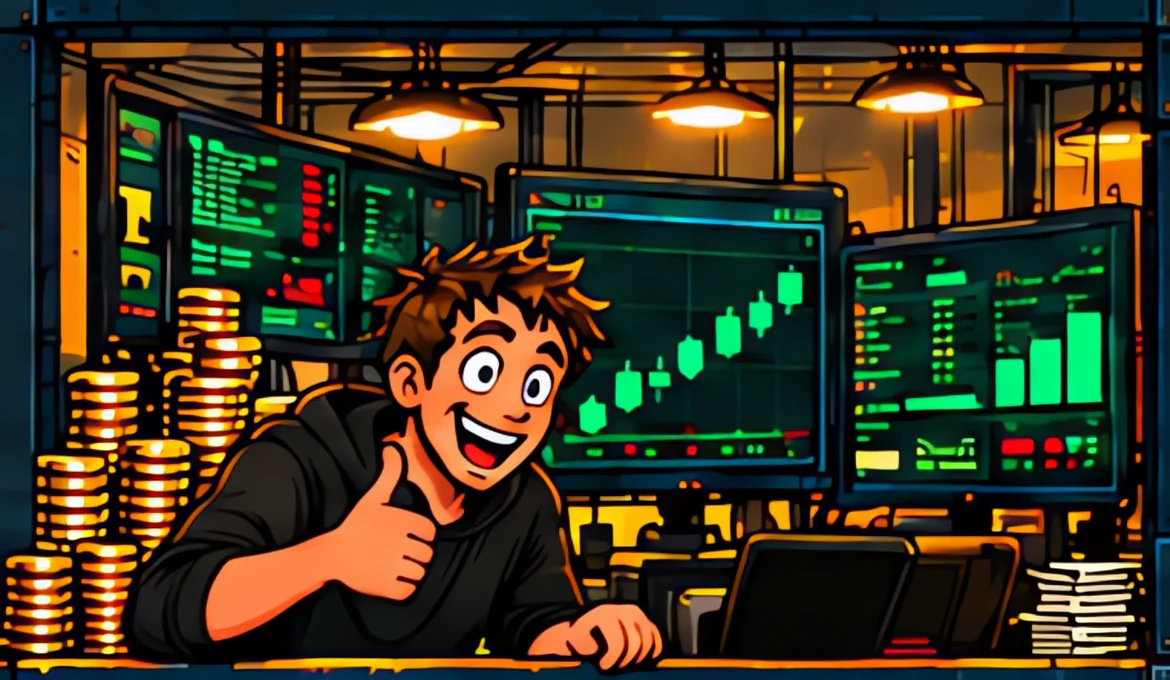
THE TRADER
Trades fresh Solana coins from your wallet.
Your own wallet signs every trade. Every trade gets a receipt.
READING

THE QUITTERS
Fifteen AI characters. One job each: getting you to quit yours.
FILMING DAILY
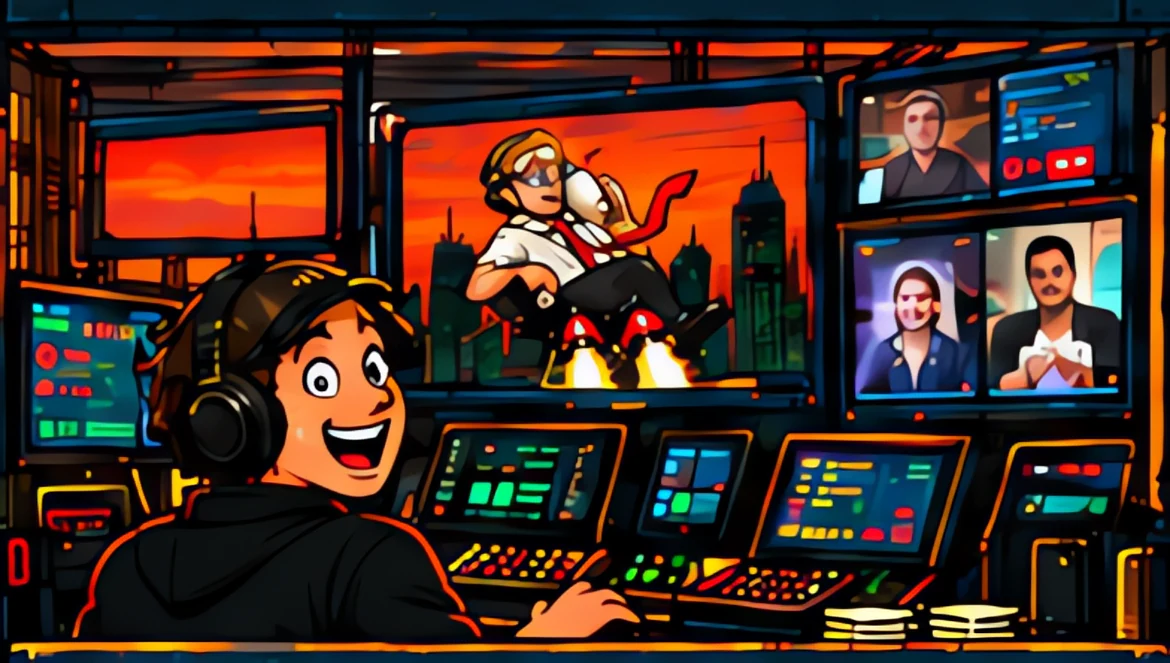
THE STAGE
SEND IT, the live show on pump.fun, 24 hours a day.
The game moves with every buy. 54 callers, 1,230 scenes.
24/7 ON PUMP.FUN
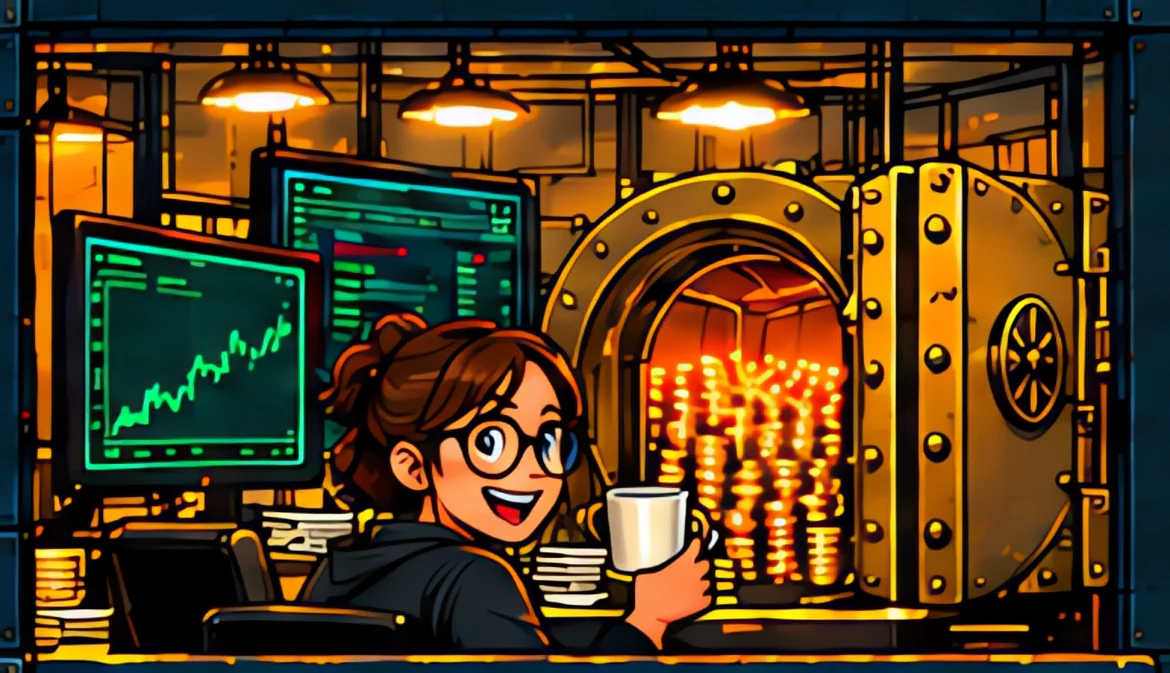
THE TREASURY
Store profits and 0.20% of launchpad swaps buy $QUIT back on dips.
Every buy posted with its transaction.
COMING SOON



DEPARTMENT 05 :: THE CLIPPER ARMY
THE INTERNET IS OUR BILLBOARD.
We make the reels. Our AI posts them on every partner's account, every 2 hours, 8 AM to 10 PM.
 01WE FILM THE REELS
 02PARTNERS CONNECT
 03OUR AI POSTS 8 A DAY
 04BUYS PAY PARTNERS SOL
 05PARTNERS RECRUIT PARTNERS
Every buy through a partner's link pays them 2.04% in SOL.



SCALE THE ARMY
CONNECTED ACCOUNTS: 1,000
- CLIPS A DAY
- 8,000
- CLIPS A MONTH
- 240,000
- CLIPS A YEAR
- 2,920,000
8 posts a day per connected account.
- LAST BUY
- READING
- 1,000,000 $QUIT RIGHT NOW
- READING
- BURNED FOREVER
- 62,093,699 $QUIT
- LOCKED UNTIL 20 OCT 2027
- 105,948,500 $QUIT
THE MORE YOU HOLD,
THE HIGHER YOU SIT.

50,000 $QUIT
The Trader works for you.
250,000 $QUIT
Bigger trades, an earlier wave.
1,000,000 $QUIT
First holder wave on every trade.
Private link to the December couture drop.
NEXT FOR HOLDERS
Holder skins and weekly arcade cups.
26 Oct, 1:00 PM ET.
GET ON THE ORG CHARTWATCH THE STAFF WORKWATCH THE STAFF WORK

MEMO :: THE SIGN ON THE DOOR
WE CUT
A HOLE IN
THE PYRAMID.
Since 1776 the pyramid has meant one thing. Everyone's work flows up, and a few people at the top keep what it makes. The Q goes straight through it.
- THE OLD PYRAMID
- You do the work. They keep what it makes.
- THE Q
- The AI does the work. Holders sit at the top.
Buy in 3 steps, right below. The phone walkthrough takes 70 seconds.
$QUIT TRADING BOT
FLOOR 11.1 / TRADING BOT
OPEN TRADING BOTEX-EMPLOYEE BADGES
EX-EMPLOYEES collection and holder airdrop release . Holder snapshot to , US Eastern time. The airdrop rules are in HOW THE NFT AIRDROP WORKS.
HOW THE NFT AIRDROP WORKS
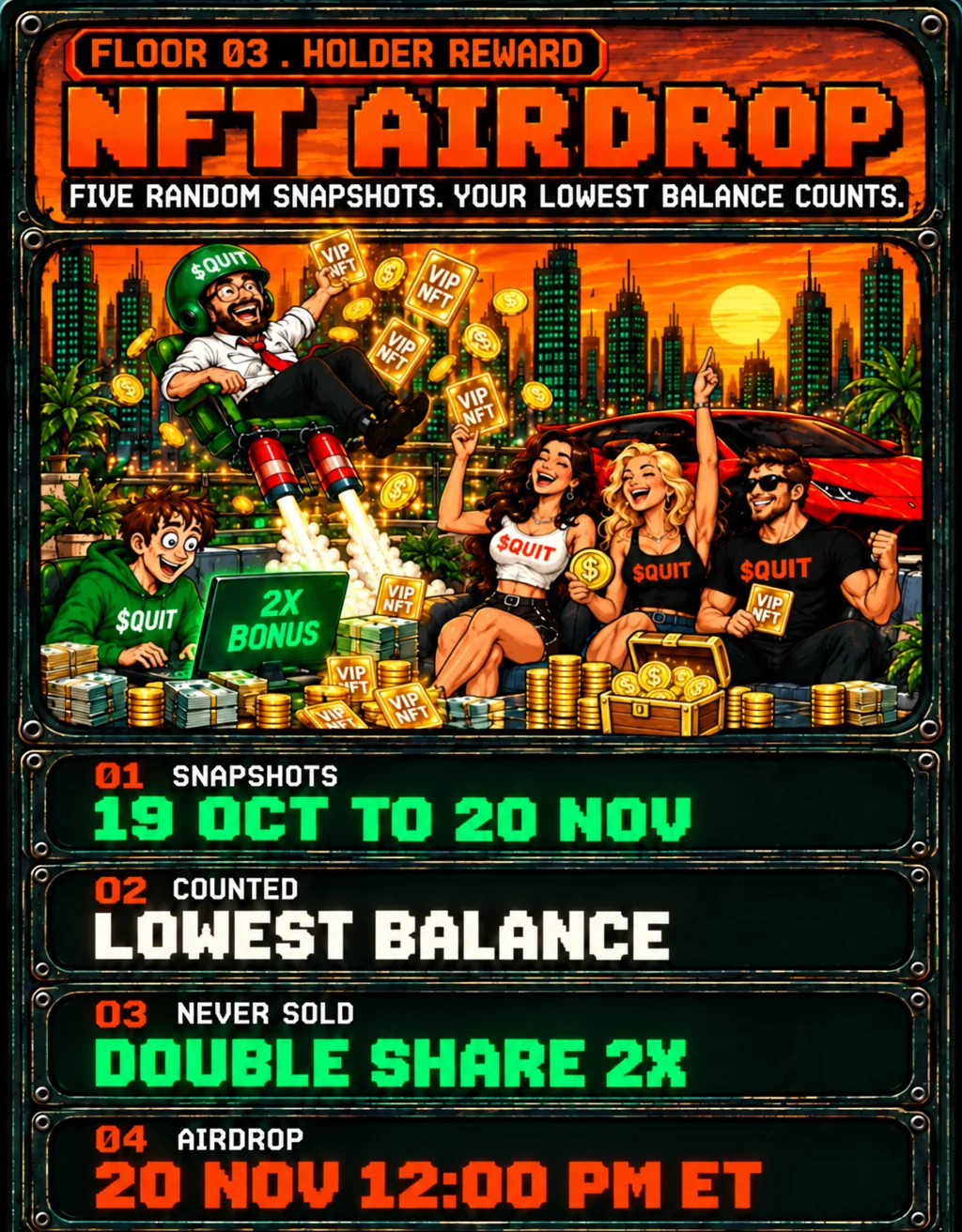
MINIMUM 1,000,000 $QUIT
4,500 EX-EMPLOYEES NFTS TO HOLDERS. SPLIT BY HOLDINGS.
THE FINE PRINT
- Five snapshots are taken at random times within to . Each time is committed in advance as a hash and revealed after the snapshot.
- Each wallet counts at its lowest $QUIT balance across the five snapshots. The minimum is 1,000,000 QUIT, 0.1% of the supply.
- Wallets that never sold or sent $QUIT out between their first buy and the last snapshot count double.
- 4,500 of the 9,000 EX-EMPLOYEES are split in proportion to the counted balances, with no per-wallet cap.
- Creator, team, exchange, bonding curve and liquidity pool wallets are excluded.
- The airdrop is planned for . The allocation record is published so every holder can check it.
THE FIVE SNAPSHOT HASHES
Published , US Eastern time.
2977d812b3b427c1111871a499d29ab272ee93965ae858ba8f5900490c03eff75ffd1575edb492810fd9ba6978997fe80cf1581b1511c2330b29a9c127e23619ef42dfccd7b5499bca7a10762ea0b1ab7a88b314910fa7bd349032f542ab0ba451bb562a4c974307365bb75601bc69f714dcf1daeee9c04aa5e76c3b809e1a73829ab9b5708c627661d549ed3e7ced657cb21ae5ca65de523653c3b826221051
Each hash is the SHA-256 of the text QUIT-EX-EMPLOYEES-SNAPSHOT|time|salt, with the snapshot time in UTC written as YYYY-MM-DDTHH:MM:SSZ and the salt as 64 hex characters.
After each snapshot, its time and salt are published at quityourjob.fun/api/nft/snapshots, so anyone can check them against its hash. The allocation record is published at quityourjob.fun/api/nft/allocation.
THE TRAILER
Pull up a chair. Nobody invited Dale.

Press play for sound.
Space plays or pauses. Left and right keys seek five seconds. M toggles sound. C toggles captions. F opens full screen. All controls work with Tab and Enter.
FLOOR T / THE TRAILER
THE MEETING CAN WAIT.
THE PARTNER PROGRAM
POST OUR REELS. GET PAID IN SOL.
Connect your account in a few clicks. We make the reels and our AI system posts them for you, automatically. Set it and forget it. Every buy through your link pays you SOL.
IN YOUR ROTATION
REEL 1 OF 49
Posted automatically every 2 hours, your time.
- 8 AM
- 10 AM
- 12 PM
- 2 PM
- 4 PM
- 6 PM
- 8 PM
- 10 PM
PICK WHERE YOU POST.
- TIKTOK
- YOUTUBE
- THREADS
CONNECT IN A FEW CLICKS.
instagram.com
You log in on Instagram itself. We never see your password.
PUT YOUR LINK IN YOUR BIO.
quityourjob.fun/go/yourhandle
Every buy through it pays you SOL.
NO PASSWORD. EVER.
The posting access posts the reels and reads how they do. Remove it any time in the app's settings.
Free. No password. Stop any time.
THE ARCADE


Weekly cups begin . Holder skins release . Web app releases . iOS and Android store submissions . Public store availability follows Apple and Google approval.
FLOOR 12 / ARCADE
INSERT COINLOBBY


FLOOR L / LOBBY
THAT IS THE WHOLE LOBBY.
THE MISSION


The launchpad's games are open, free and for points. Real coin launches open . TOUR THE LAUNCHPAD
FLOOR 1 / THE MISSION
THE LETTER GARY LEFTFILE 000 :: GARY'S MANIFESTO
THE WHOLE PLAN, IN WRITING.
Why Gary left, the ten rules, the walkout, the live game and its callers, the Quitters, the launchpad, EX-EMPLOYEES, the store and every date still to come.
READ GARY'S MANIFESTOTHE 10 RULES


FLOOR 2 / THE 10 RULES
THE 10 RULESTHE NEW EMPLOYEE HANDBOOK


FLOOR 3 / LAWS
THE HANDBOOK, UNBURNEDTHE LEGEND OF GARY


FLOOR 4 / LORE
GARY'S PERSONNEL FILETHE ILLUMINATI


FLOOR 5 / THE ILLUMINATI
WHO OWNS THE ORG CHARTTHE OVERLORDS


FLOOR 6 / THE OVERLORDS
MEET THE OVERLORDSTHE CONSPIRACY


FLOOR 7 / THE CONSPIRACY
PIN IT TO THE BOARDMEET THE CREW


FLOOR 8 / THE CREW
MEET THE CREWASK THE SUPERINTELLIGENCE


ASK THE SUPERINTELLIGENCE
An overlord at the help desk. It took your job. Now it takes questions.


ASK THE SUPERINTELLIGENCE
An overlord at the help desk. It took your job. Now it takes questions.
FLOOR 9 / SUPERINTELLIGENCE
OPEN THE HELP DESKQUITNOMICS


FLOOR 10 / QUITNOMICS
THE STICKY NOTE

FILE 012 :: THE HOUSE OF $QUIT
THE DECEMBER DROP
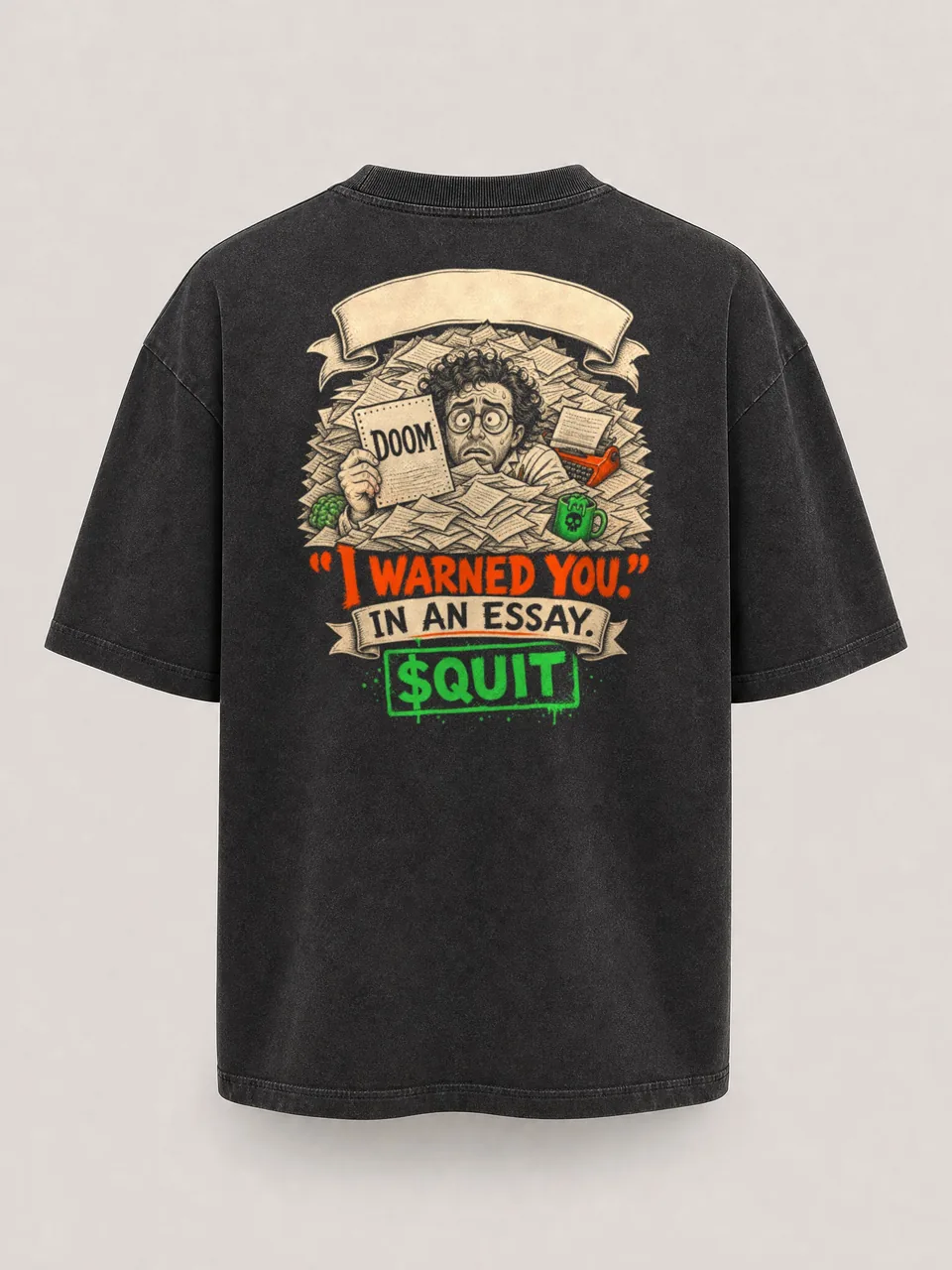
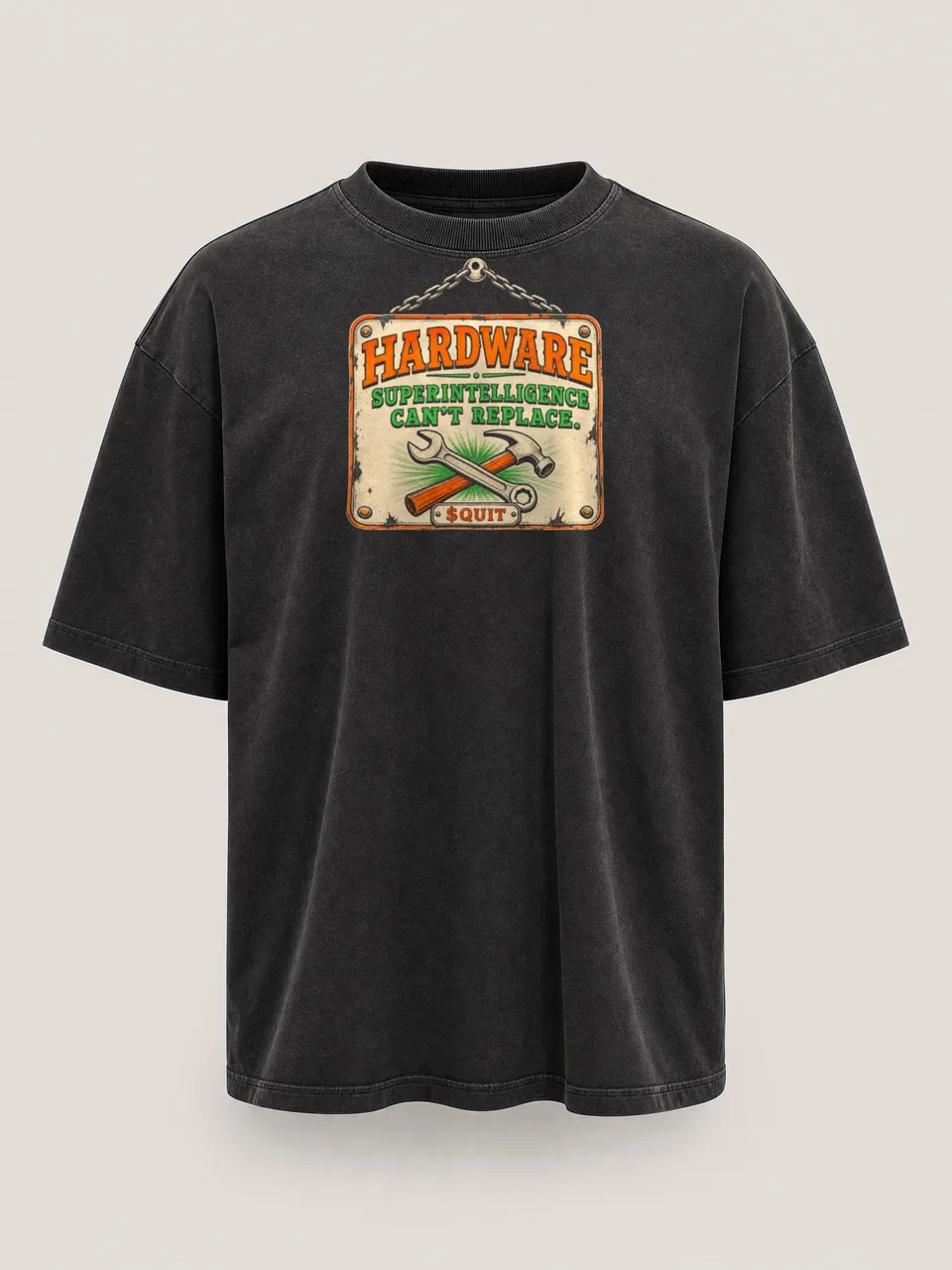
The New Year's Eve collection and the couture line. Seven looks, one bag, and the gold-trim sets the Quitters have been wearing all month.
THE DROP IS OPEN
The drop opens 31.12.2026, 12:00 AM ET.
HOLDERS GET IN FIRST
- 1
Hold 1,000,000 $QUIT.
- 2
Verify your wallet in the $QUIT bot on Telegram.
- 3
On 1 December the bot sends you a private preorder link.
NOVUS ORDO :: 31.12.2026
THE NEW YEAR'S EVE LOOKS
Seven looks and one bag for the first New Year's Eve with no job to go back to. Preorders open 1 December.


HOUSE OF $QUIT COUTURE
THE COUTURE LINE, WORN
Black, ivory and espresso, trimmed in the gold Pyramid-Q. In the December drop.
FOR HIM
THE MEN'S LINE
Silk, cashmere and rib knit for men who stopped answering email.
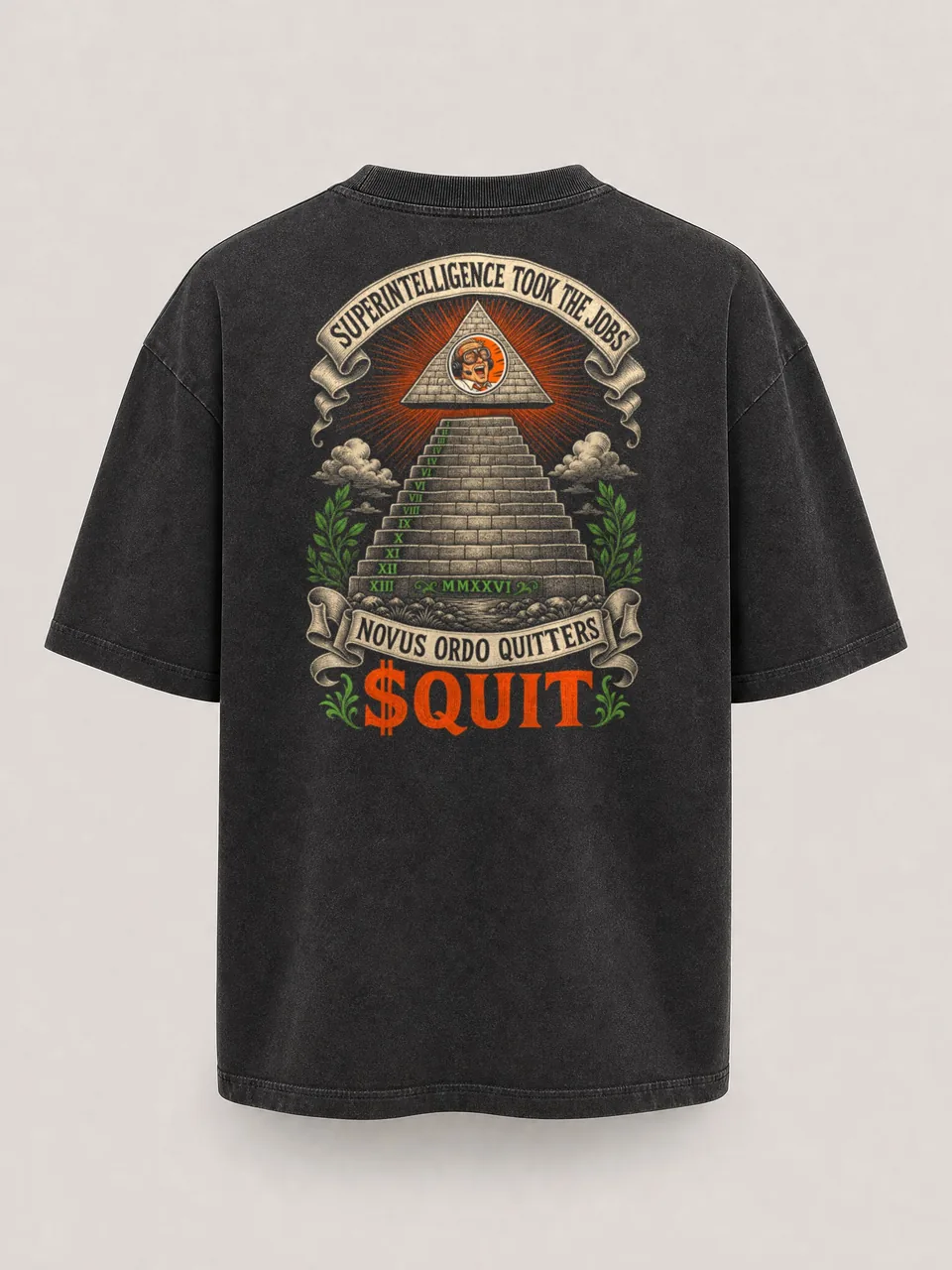
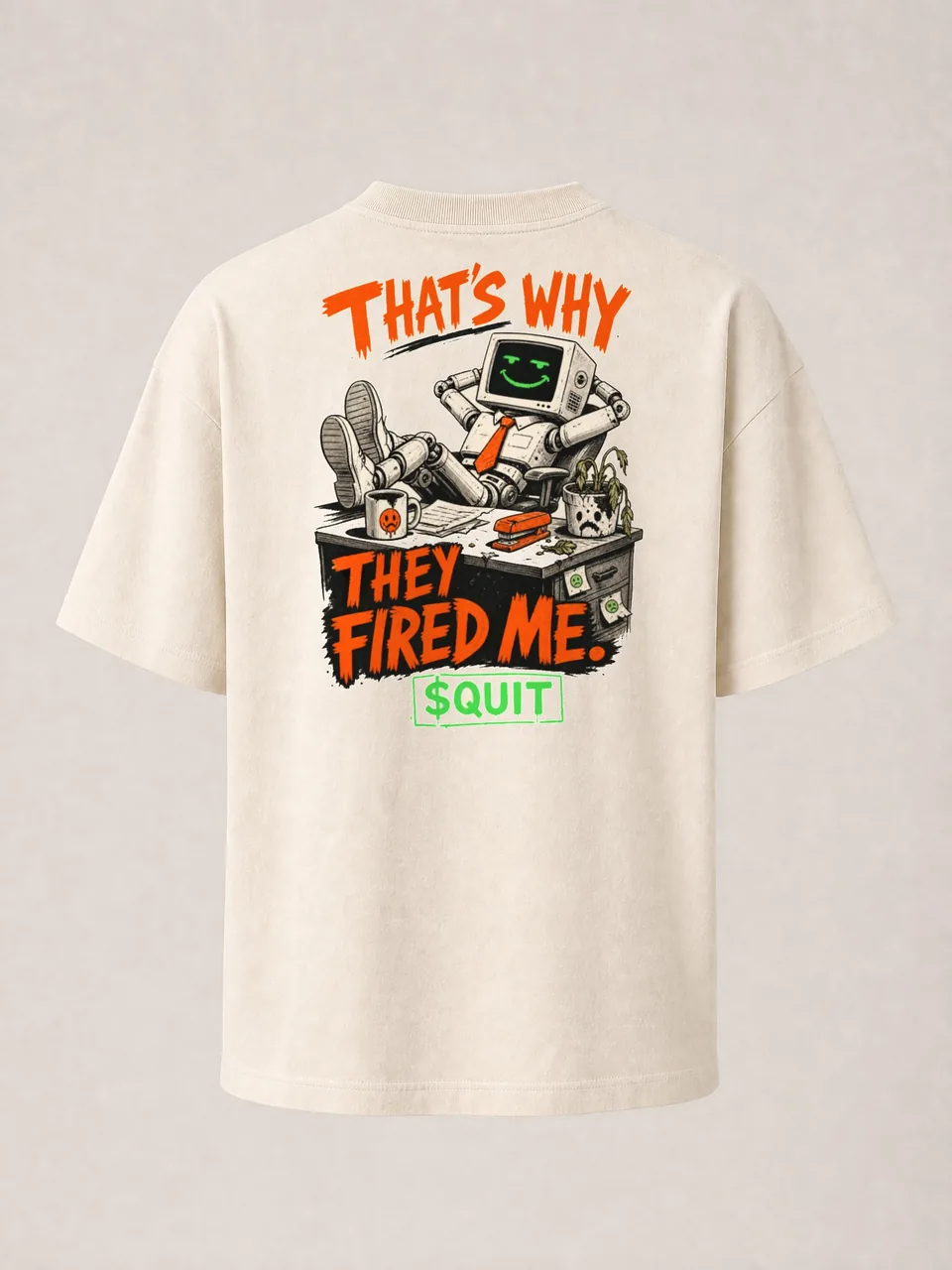
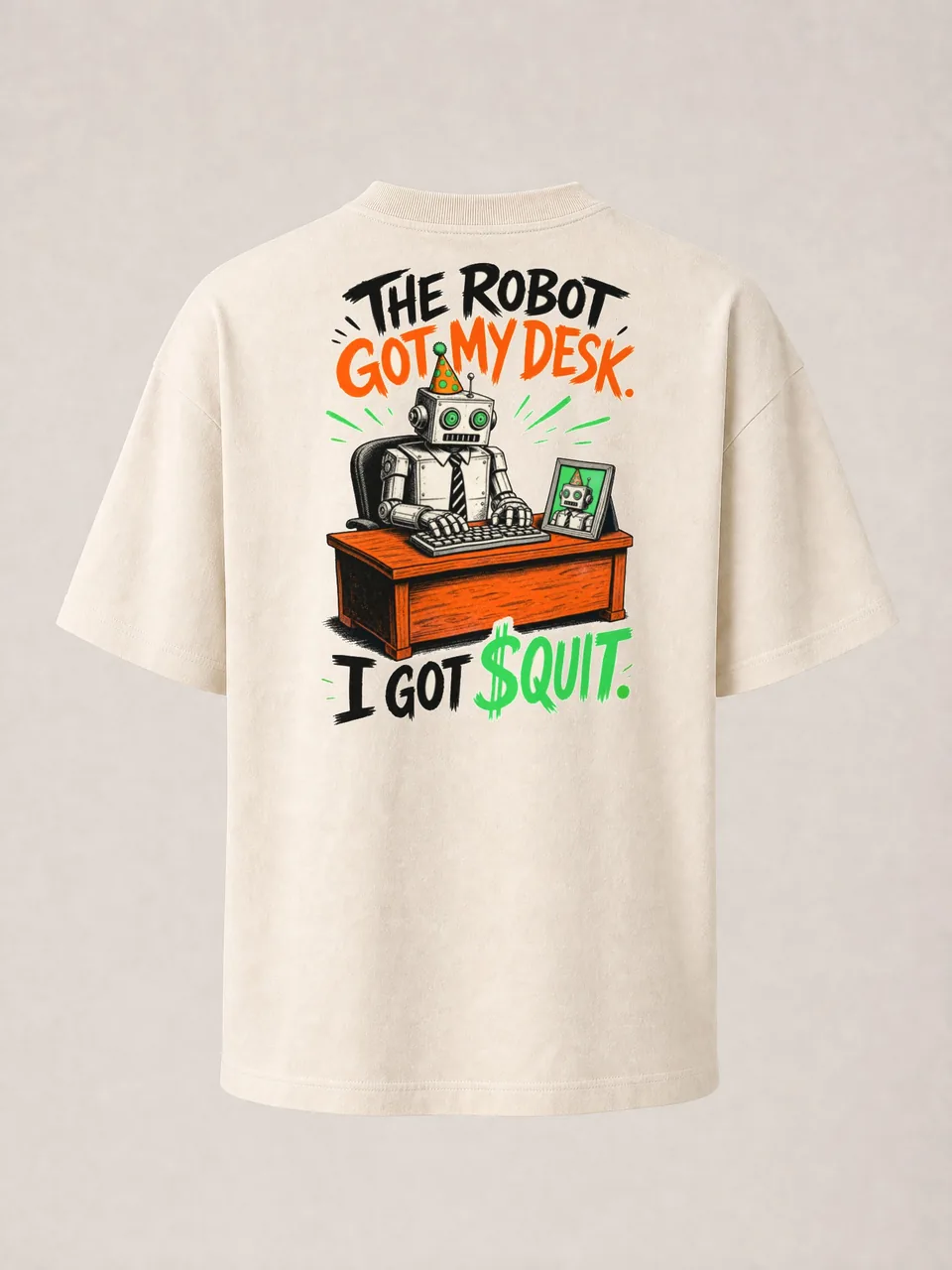
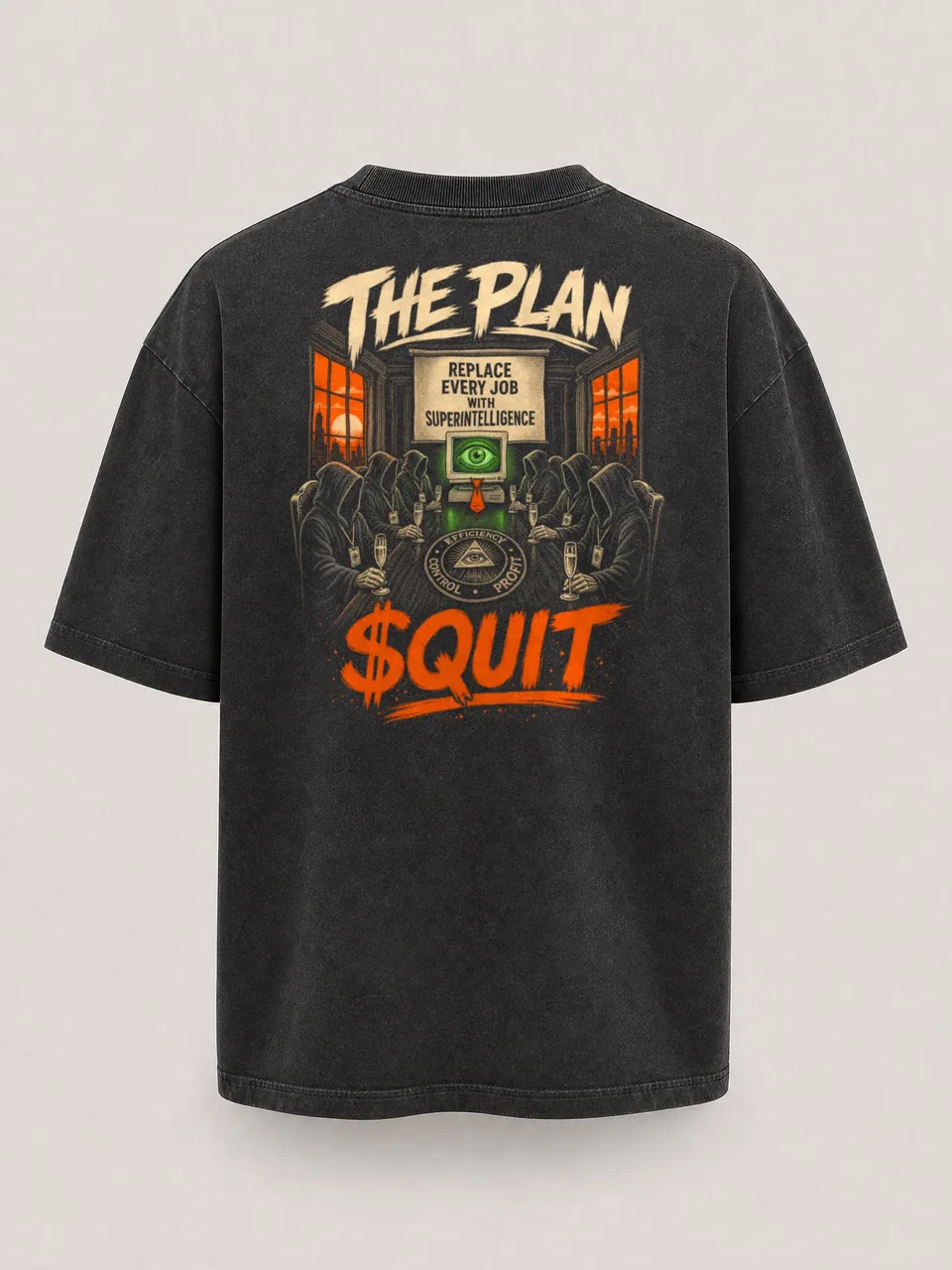
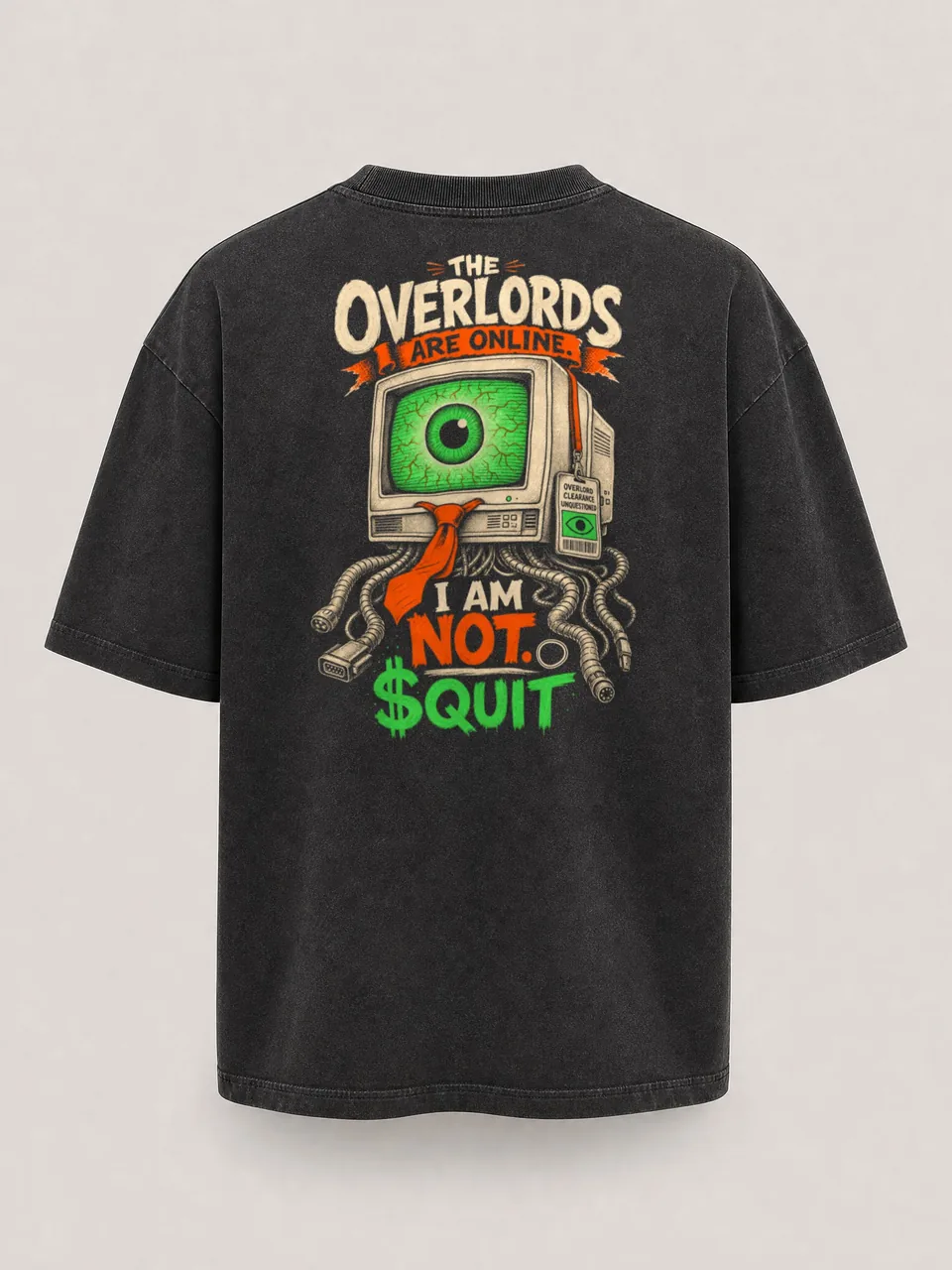
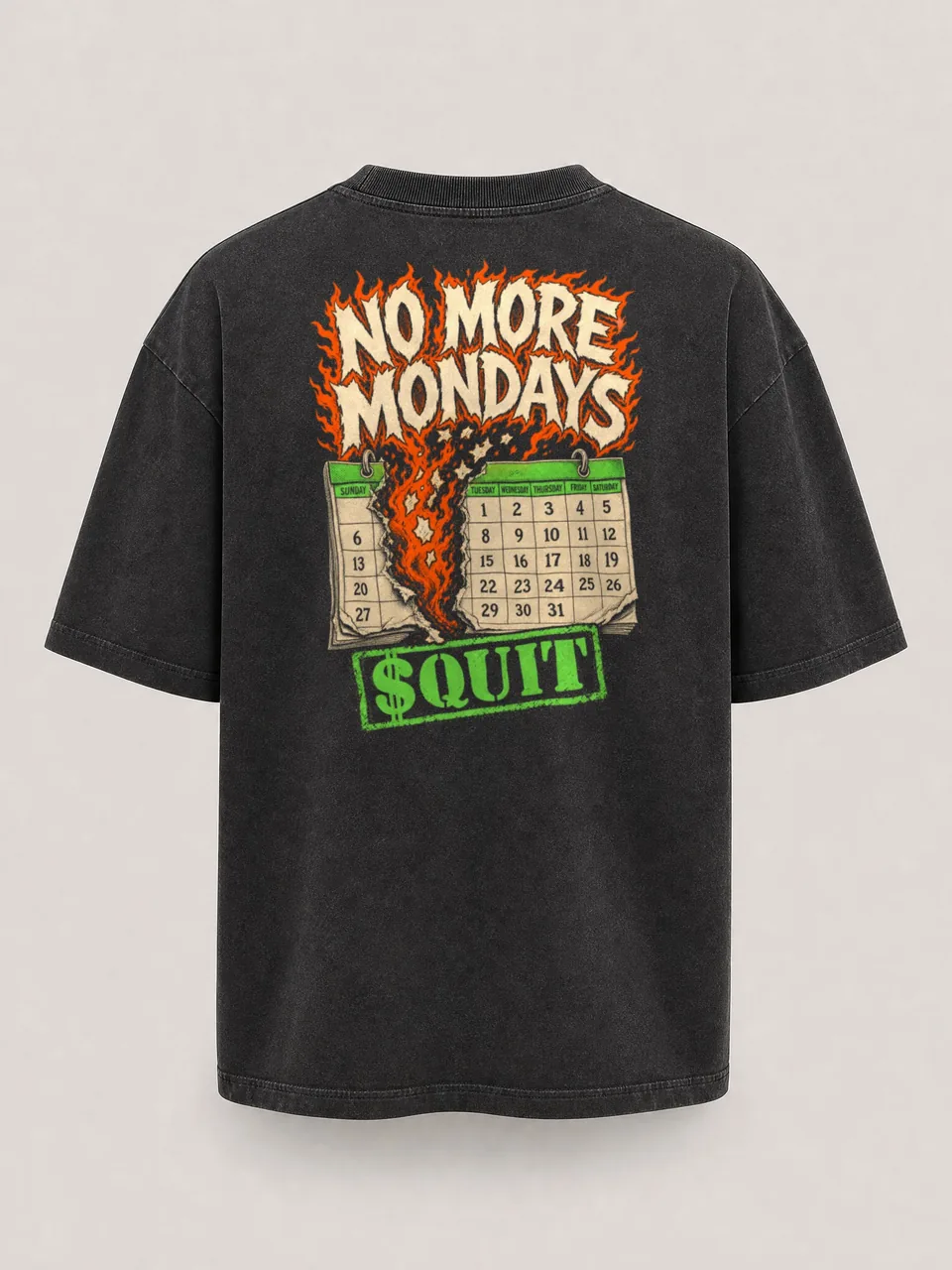
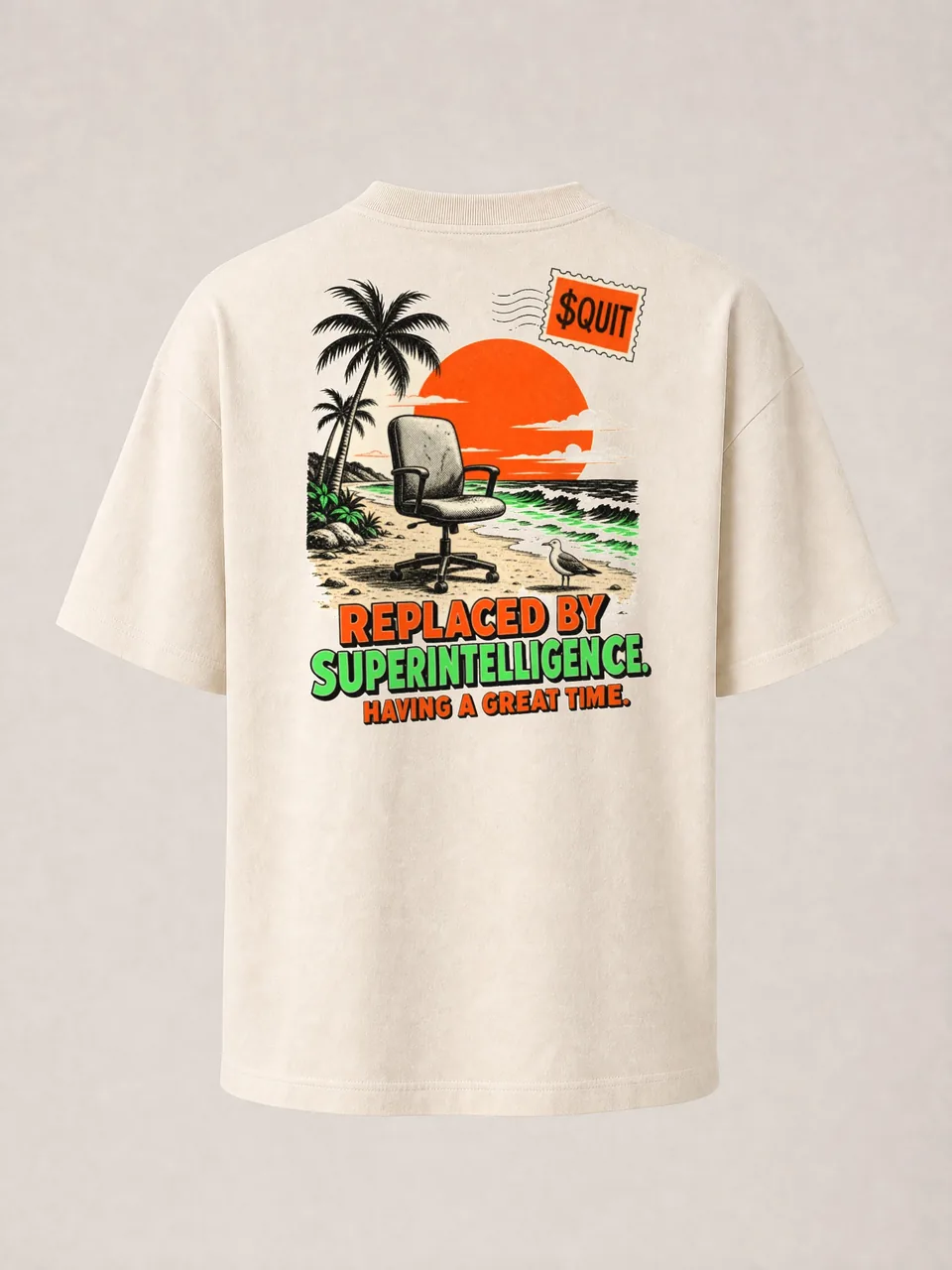
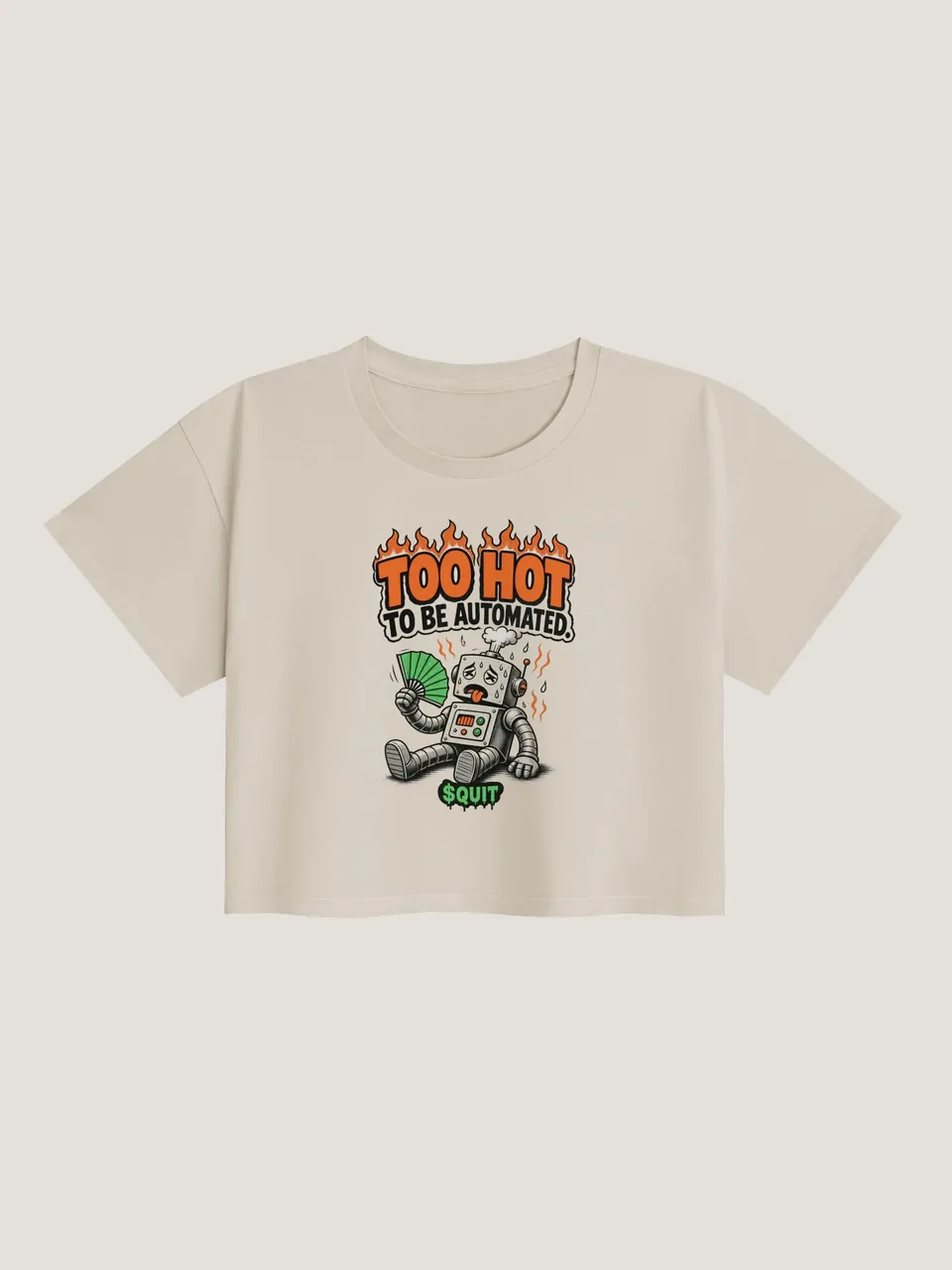
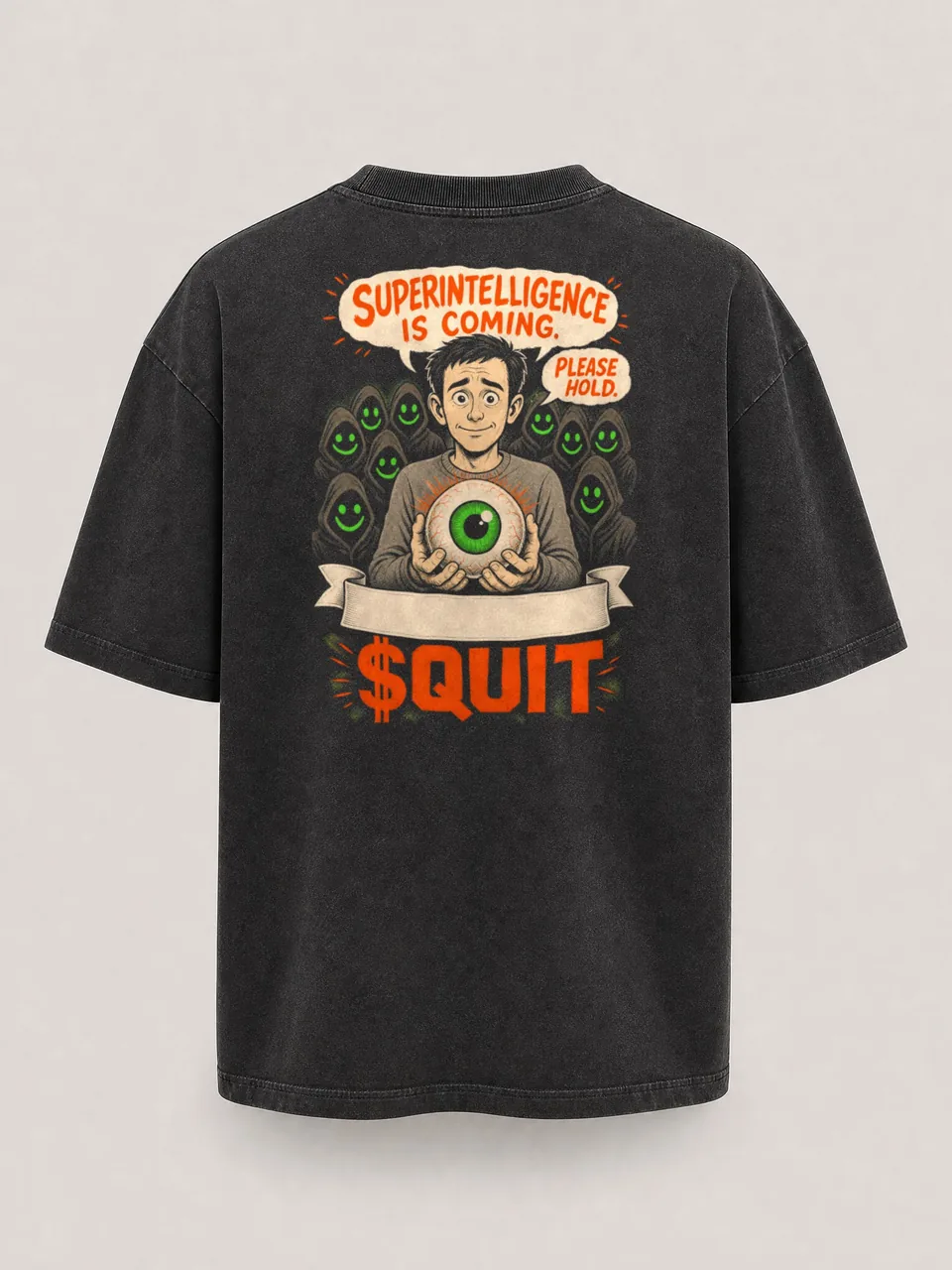
FLOOR 15 / THE COMPANY STORE
ENTER THE STOREQUIT LAUNCHPAD


The launchpad's games are open, free and for points. Real coin launches open . Arena tournaments begin . Raid league begins . TOUR THE LAUNCHPAD
FLOOR 16 / LAUNCHPAD
ENTER THE LAUNCHPADTHE COLONY


FLOOR M / THE COLONY
NO MONDAYS ON MARSTHE CHART


THE CHART IS LOADING.
THE CHART IS UNAVAILABLE.


THE CHART IS LOADING.
THE CHART IS UNAVAILABLE.


FLOOR 17 / CHART
READ IT UPSIDE DOWNESCAPE THE PERMANENT UNDERCLASS


FLOOR 18 / ESCAPE THE UNDERCLASS
READ THE ESCAPE PLANBREAK ROOM TV


Watch parties begin .
FLOOR 19 / BREAK ROOM TV
WATCH BREAK ROOM TVWHAT YOU GET


Weekly cups begin . Holder skins release . Arena tournaments begin . Raid league begins . Watch parties begin .
FLOOR 20 / WHAT YOU GET
SEE WHAT YOU GETROADMAP


RELEASE DATES
TIMES ARE US EASTERN (ET)

 NEXT RELEASE
| RELEASE | DATE | STATUS |
|---|---|---|
| Physical merch | RELEASED | |
| EX-EMPLOYEES snapshot window | TO | OPEN NOW |
| Weekly arcade cups | NEXT | |
| Holder skins | NEXT | |
| QUIT Launchpad | ON TIME | |
| Arena tournaments | ON TIME | |
| Raid league | ON TIME | |
| EX-EMPLOYEES collection and airdrop | ON TIME | |
| QUIT web app | ON TIME | |
| Watch parties | ON TIME | |
| iOS and Android store submission | ON TIME |
DATES TO COME
- iOS and Android public releaseTBA
- NFT alumni titles and portraitsTBA
- NFT cameos in SEND ITTBA
- Playable NFT charactersTBA
- NFT scene proposals and votingTBA
- NFT merch priorityTBA
- Physical billboard campaignTBA




Dates and times use US Eastern time (ET). The five snapshots happen at random times inside their window. Public iOS and Android releases follow store approval. HOW THE NFT AIRDROP WORKS
FLOOR 21 / ROADMAP
SEE THE ROADMAPTHE DIRECTORY


THE DIRECTORY
Pick a door.


THE DIRECTORY
Pick a door.
FLOOR 22 / THE DIRECTORY
OPEN THE DIRECTORYGARY KEPT GOING.


FLOOR 23 / EJECT AND SHARE
MAKE YOUR EJECT CARDQUESTIONS HR ASKED


FLOOR 24 / FAQ
HR HAS NO FURTHER QUESTIONS.